Empower Coffee Break Series
Empower Coffee Break Series
#34 Self Documenting LC
30:28
Connected LC systems and Empower Software automatically capture critical data to accelerate troubleshooting and root cause analysis. Identify issues such as peak tailing, reduced resolution, and lower sensitivity while improving laboratory efficiency
#33 Tips, Tricks and Best Practice
30:29
Practical ways to make your day-to-day work in Empower more efficient and straightforward. From time-saving shortcuts to lesser-known functionalities, you’ll gain useful techniques that can help simplify common tasks and improve your workflow.
#32 Empower Data Exchange
30:21
Learn the fundamentals of exporting data from Empower Software, along with practical use cases for seamlessly exchanging data with systems such as LIMS and Waters NuGenesis™ Software.
#31 Empower Advanced Custom Fields - Reports
30:36
Learn how to streamline calculations, improve reporting, and support data integrity.
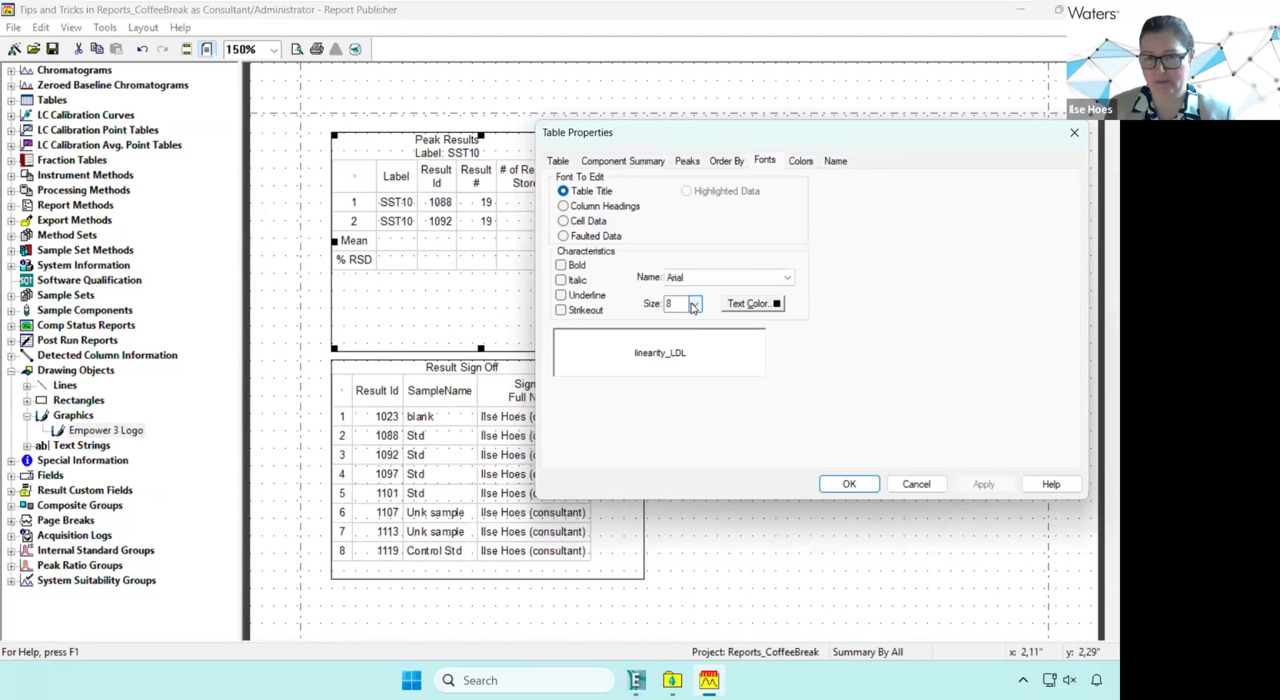
#30 Empower Reports Simple & Smart
30:33
Whether you’re aiming for compliance or clarity, these practical hacks will help you save time and elevate your reporting. A short session – for big results.
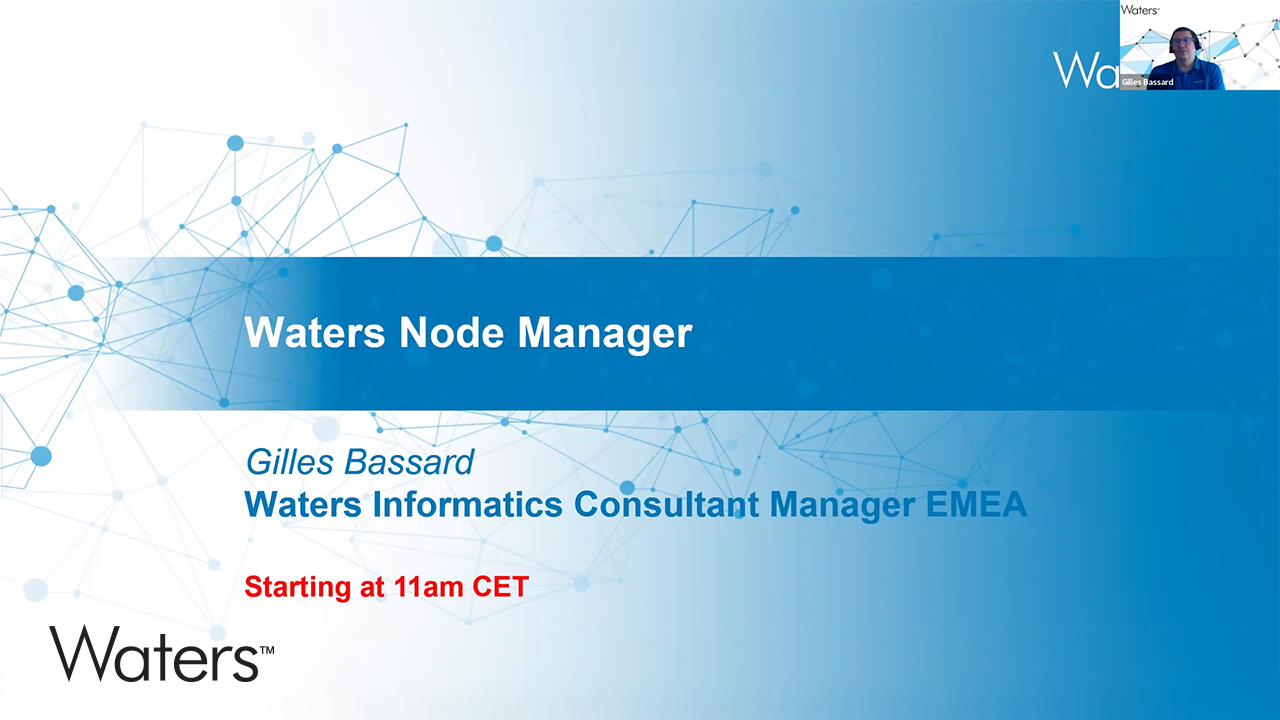
#29 Waters Node Manager
29:56
Upgrading to Windows™ 11? Waters Node Manager simplifies Empower Software installation, configuration, and updates for regulated labs - seamless upgrades, reducing manual effort, and ensuring compliance.
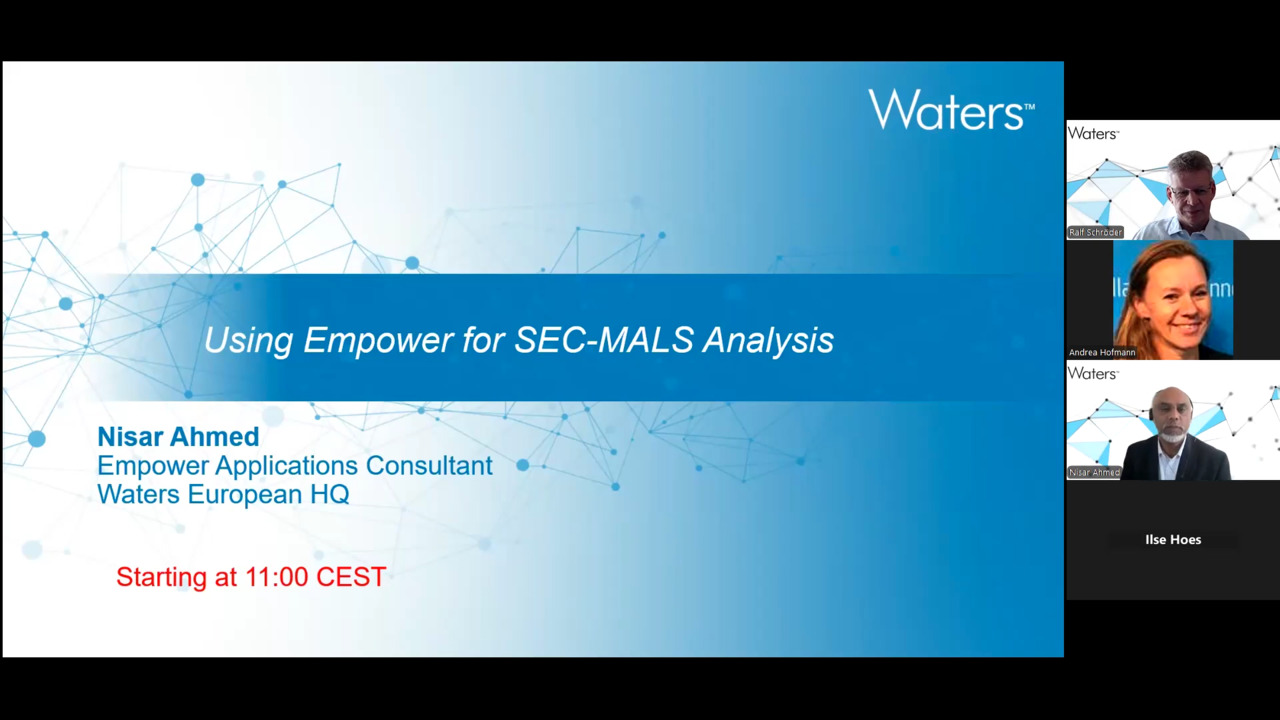
#28 SEC-MALS & Empower
29:20
Empower 3.10.0 integrates MALS acquisition and analysis into enterprise workflows. DAWN™ and miniDAWN™ users can leverage compliance-ready tools for robust characterization, audit readiness, and streamlined data management.
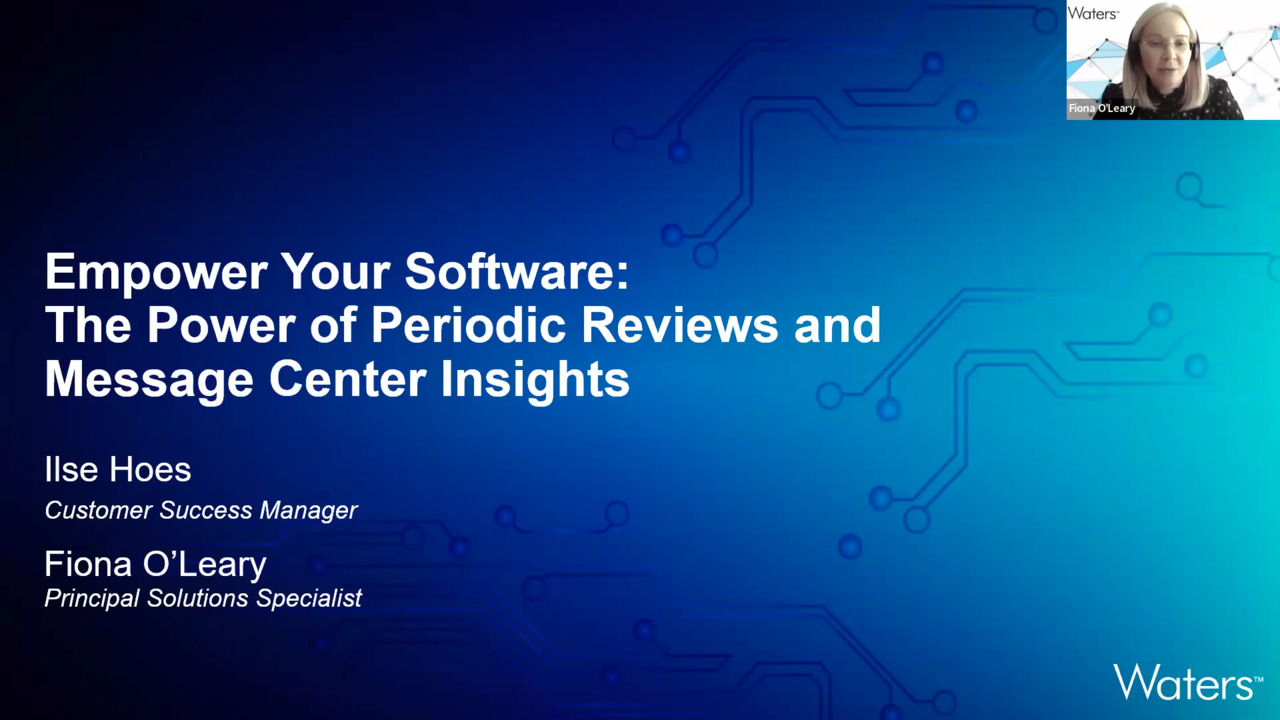
#27 Message Center & Reviews
29:01
Best practices for compliance, uptime, and security while leveraging periodic assessments to detect and resolve problems proactively.
#26 Computer System Validation (CSV)
30:56
Risk-based computer system validation strategies for regulated environments. Discover how to align with FDA 21 CFR Part 11 and EU Annex 11, ensure data integrity, streamline audits, and leverage scalable service models for compliance.
#25 Fair data
30:00
Findable, accessible, interoperable, and reusable - explore best practices and see solutions to support UV, IR, and other analytical data management.
#24 Empower Data Viewer
29:46
Empower Data Viewer brings AI/ML into your lab for faster data sharing, streamlined collaboration, and anomaly detection. Boost productivity, simplify data review, and get insights faster.
#23 Windows 11
32:15
Discover enhanced privileges, improved network communication, and expanded OS support - new features and compatibility benefits.
#34 Self Documenting LC
Connected LC systems and Empower Software automatically capture critical data to accelerate troubleshooting and root cause analysis. Identify issues such as peak tailing, reduced resolution, and lower sensitivity while improving laboratory efficiency
30:28
#33 Tips, Tricks and Best Practice
Practical ways to make your day-to-day work in Empower more efficient and straightforward. From time-saving shortcuts to lesser-known functionalities, you’ll gain useful techniques that can help simplify common tasks and improve your workflow.
30:29
#32 Empower Data Exchange
Learn the fundamentals of exporting data from Empower Software, along with practical use cases for seamlessly exchanging data with systems such as LIMS and Waters NuGenesis™ Software.
30:21
#31 Empower Advanced Custom Fields - Reports
Learn how to streamline calculations, improve reporting, and support data integrity.
30:36
#30 Empower Reports Simple & Smart
Whether you’re aiming for compliance or clarity, these practical hacks will help you save time and elevate your reporting. A short session – for big results.
30:33
#29 Waters Node Manager
Upgrading to Windows™ 11? Waters Node Manager simplifies Empower Software installation, configuration, and updates for regulated labs - seamless upgrades, reducing manual effort, and ensuring compliance.
29:56
#28 SEC-MALS & Empower
Empower 3.10.0 integrates MALS acquisition and analysis into enterprise workflows. DAWN™ and miniDAWN™ users can leverage compliance-ready tools for robust characterization, audit readiness, and streamlined data management.
29:20
#27 Message Center & Reviews
Best practices for compliance, uptime, and security while leveraging periodic assessments to detect and resolve problems proactively.
29:01
#26 Computer System Validation (CSV)
Risk-based computer system validation strategies for regulated environments. Discover how to align with FDA 21 CFR Part 11 and EU Annex 11, ensure data integrity, streamline audits, and leverage scalable service models for compliance.
30:56
#25 Fair data
Findable, accessible, interoperable, and reusable - explore best practices and see solutions to support UV, IR, and other analytical data management.
30:00
#24 Empower Data Viewer
Empower Data Viewer brings AI/ML into your lab for faster data sharing, streamlined collaboration, and anomaly detection. Boost productivity, simplify data review, and get insights faster.
29:46
#23 Windows 11
Discover enhanced privileges, improved network communication, and expanded OS support - new features and compatibility benefits.
32:15
-
#34 Self Documenting LC
Connected LC systems and Empower Software automatically capture critical data to accelerate troubleshooting and root cause analysis. Identify issues such as peak tailing, reduced resolution, and lower sensitivity while improving laboratory efficiency
30:28
-
#33 Tips, Tricks and Best Practice
Practical ways to make your day-to-day work in Empower more efficient and straightforward. From time-saving shortcuts to lesser-known functionalities, you’ll gain useful techniques that can help simplify common tasks and improve your workflow.
30:29
-
#32 Empower Data Exchange
Learn the fundamentals of exporting data from Empower Software, along with practical use cases for seamlessly exchanging data with systems such as LIMS and Waters NuGenesis™ Software.
30:21
-
#31 Empower Advanced Custom Fields - Reports
Learn how to streamline calculations, improve reporting, and support data integrity.
30:36
-
#30 Empower Reports Simple & Smart
Whether you’re aiming for compliance or clarity, these practical hacks will help you save time and elevate your reporting. A short session – for big results.
30:33
-
#29 Waters Node Manager
Upgrading to Windows™ 11? Waters Node Manager simplifies Empower Software installation, configuration, and updates for regulated labs - seamless upgrades, reducing manual effort, and ensuring compliance.
29:56
-
#28 SEC-MALS & Empower
Empower 3.10.0 integrates MALS acquisition and analysis into enterprise workflows. DAWN™ and miniDAWN™ users can leverage compliance-ready tools for robust characterization, audit readiness, and streamlined data management.
29:20
-
#27 Message Center & Reviews
Best practices for compliance, uptime, and security while leveraging periodic assessments to detect and resolve problems proactively.
29:01
-
#26 Computer System Validation (CSV)
Risk-based computer system validation strategies for regulated environments. Discover how to align with FDA 21 CFR Part 11 and EU Annex 11, ensure data integrity, streamline audits, and leverage scalable service models for compliance.
30:56
-
#25 Fair data
Findable, accessible, interoperable, and reusable - explore best practices and see solutions to support UV, IR, and other analytical data management.
30:00
-
#24 Empower Data Viewer
Empower Data Viewer brings AI/ML into your lab for faster data sharing, streamlined collaboration, and anomaly detection. Boost productivity, simplify data review, and get insights faster.
29:46
-
#23 Windows 11
Discover enhanced privileges, improved network communication, and expanded OS support - new features and compatibility benefits.
32:15
-
#20 Manage SoD and PoLP
Empower 3.8.1 helps you implement Segregation of Duty (SoD) and the Principle of Least Privilege (PoLP) for secure access control.
33:38
-
#19 w_c System Monitoring
Discover real-time instrument status, reservation, and messaging features in Empower CDS.
30:40
-
#18 System Suitability
Calculate suitability parameters, use interactive tools, create control charts, and understand updates aligned with USP (621) Chromatography. Ensure compliance and optimize your workflows.
35:36
-
#17 INFORM 2024 – Empower & NuGenesis Insights
Latest updates from the Waters Informatics User Meeting in Orlando. Key insights on Empower and NuGenesis, cloud-based modules, and strategic directions, plus highlights from industry experts’ talks at Inform 2024.
28:46
-
#16 Peak Integration and Impurity
Empower integrates chromatographic peaks and handles impurity quantification. Parameters influencing peak integration, solutions for challenging peaks, and best practices for using the impurity tab in Empower processing methods.
32:13
-
#15 Audit Trail Review
Apply a risk-based approach to audit trail review in Empower CDS. Understand lab business processes, identify user interaction risks, and define what to review, who should review it, and when—ensuring compliance and data integrity.
29:09
-
#14 Alliance iS and Empower
Empower 3.8.0 and Waters Alliance iS HPLC System work together to minimize risk, streamline workflows, and improve analytical reliability. Identify errors earlier, reduce retests, and enhance compliance across your organization.
1:01:11
-
#13 Sample Weights
Avoid manual weight transcriptions in Empower sample sets. The sample weight importer toolkit and Empower LMS templates, helping you streamline quantitative chromatographic analysis and improve data integrity.
30:32
-
#12 Custom Fields
Create and apply Custom Fields in Empower to tailor sample identifiers and calculations beyond default settings. Explore different types of Custom Fields and practical examples to optimize your workflows.
39:44
-
#11 Manage Instruments, Columns & Reagents
Streamline lab documentation and replace paper records with electronic tracking. Instrument usage and maintenance, column tracking, standard preparation, and reagent consumption—all within Empower for improved efficiency and compliance.
30:12
-
#10 Customizable Searches
An Empower tool that makes answering complex lab questions easy. Projects, track compounds, identify columns used, locate stability study injections, and save reusable searches—all in one session.
31:00
-
#09 Compliance & Data Integrity
The latest Empower CDS features that enhance compliance and data integrity. Learn about updates since E3 FR5 and how to leverage settings for regulated labs to maintain compliance effortlessly.
30:59